Does Calla read my WhatsApp messages?
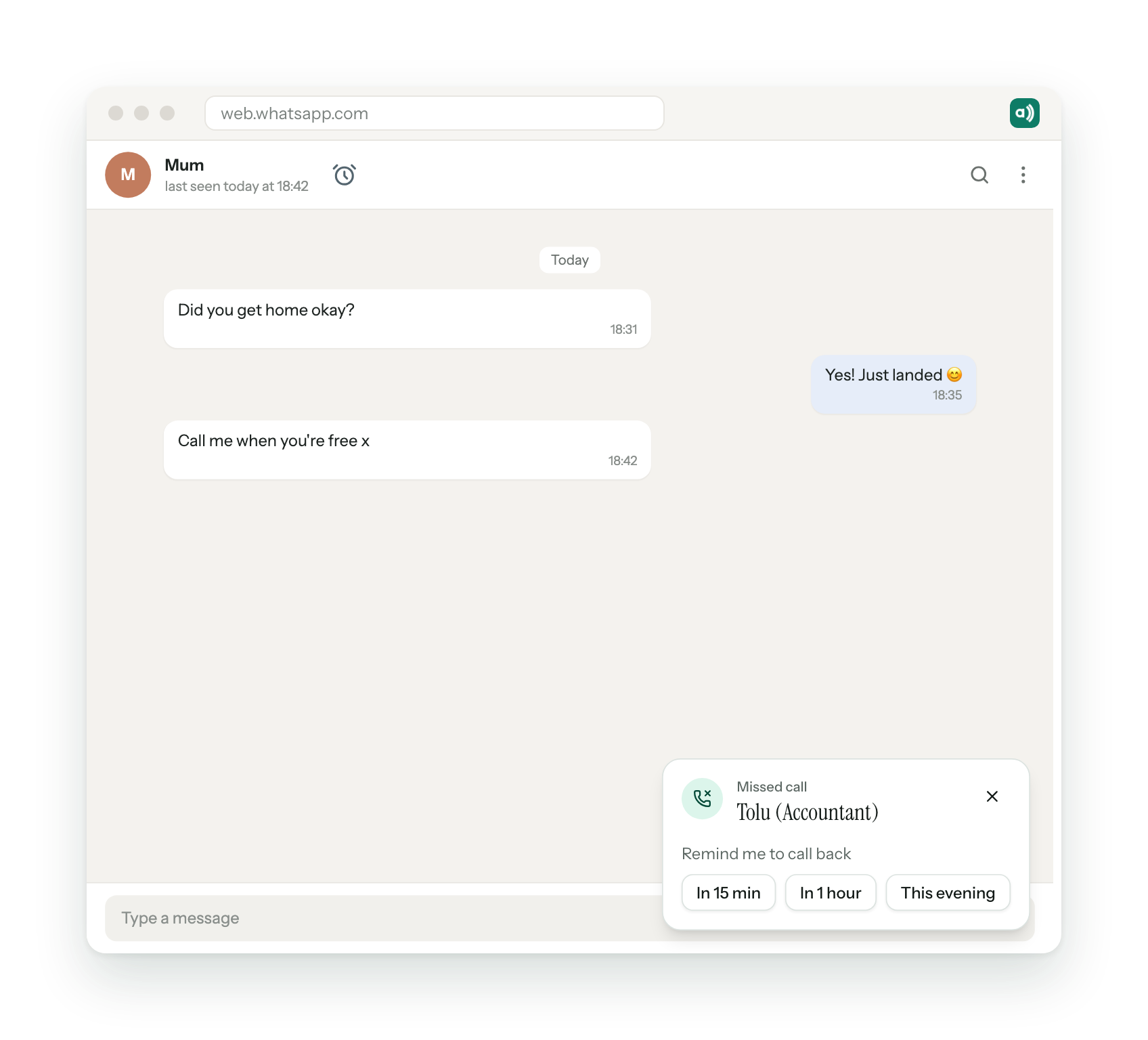
No. Calla reads the name of the chat you're setting a reminder for, and watches the chat list for "Missed voice call" or "Missed video call" so it can offer a call-back reminder. That happens only on your device. Your messages are never read, stored or sent anywhere.
Does it work with the WhatsApp desktop or phone app?
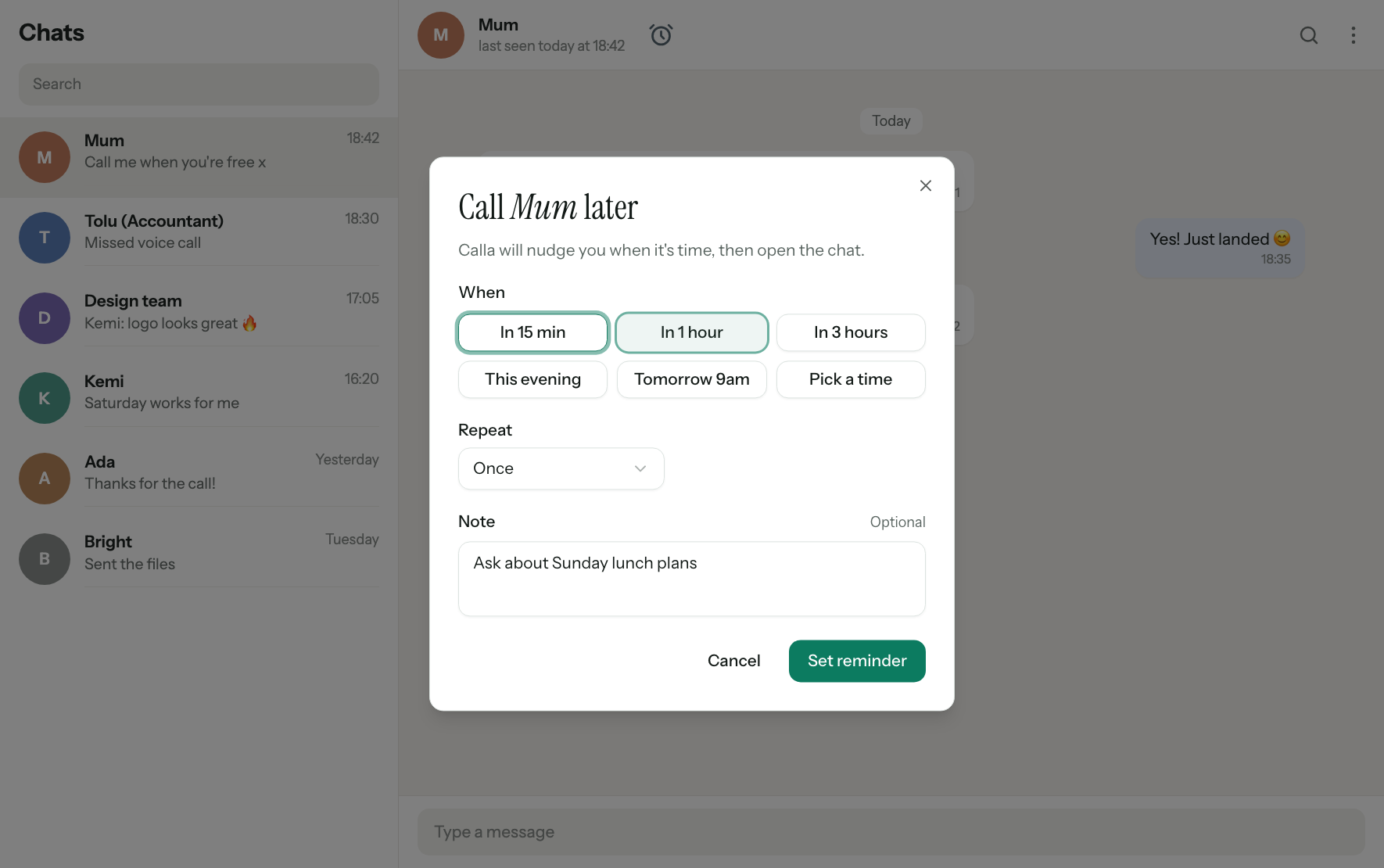
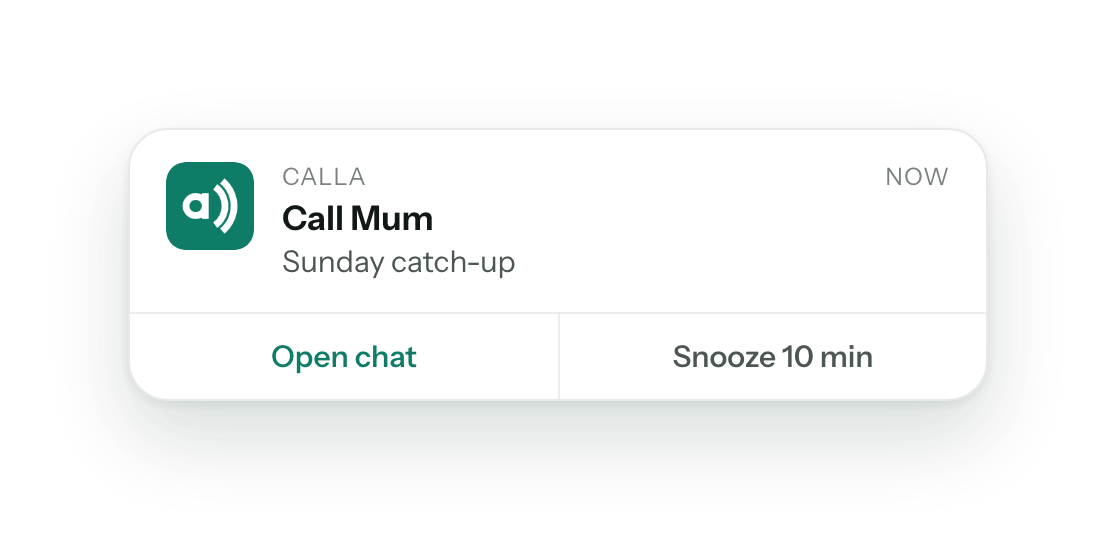
Calla is a Chrome extension for WhatsApp Web (web.whatsapp.com). Reminders still reach you as desktop notifications, and clicking one opens the chat in WhatsApp Web, where you can start the call.
Do I need to keep WhatsApp Web open?
No. Reminders fire as long as Chrome is running. When you click a notification, Calla opens WhatsApp Web for you if it isn't already open.
Not seeing notifications?
Open Calla's settings and click "Send a test notification". On macOS, allow notifications for both "Google Chrome" and "Google Chrome (Alerts)" in System Settings → Notifications, and make sure Focus is off.
What happens after the free trial?
Your subscription starts automatically at $1.99/month or $14.99/year, depending on the plan you chose. Cancel before the trial ends and you won't be charged.
How do I cancel or manage billing?
Open Calla's settings and click "Manage billing", or use the link in your purchase email. You can cancel your subscription, update your card and download invoices there.
Can I use it on more than one computer?
Yes, each license works on up to 2 computers. To move it, choose "Remove from this device" in Calla's settings, or remove a lost device from the billing portal.
Is Calla made by WhatsApp?
No. Calla is an independent product and is not affiliated with, endorsed by or sponsored by WhatsApp or Meta.